When it comes to reseting of password it can be done in two ways:
1. When Logged out
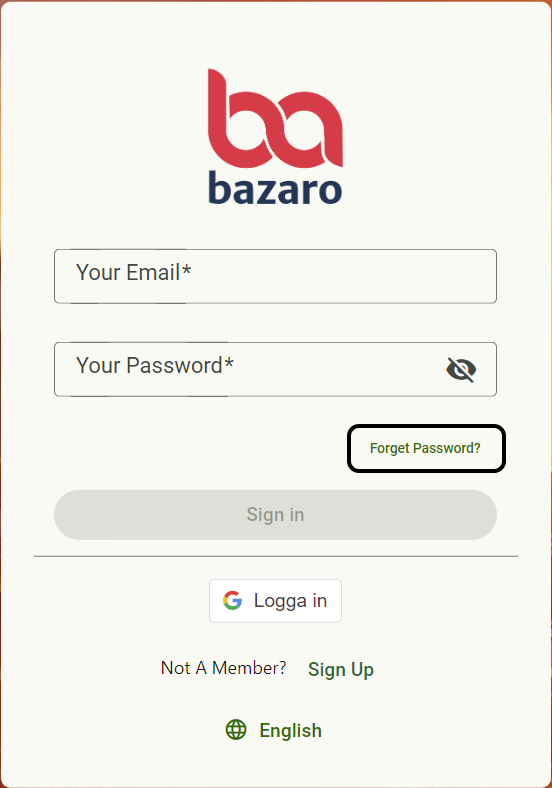
Step 1, Go to app.bazaro.se > Forget password?
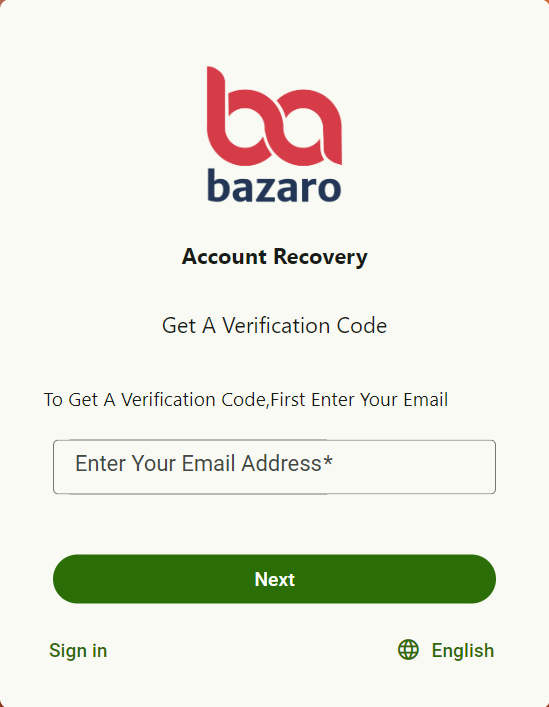
Step 2, Enter your emailaddress
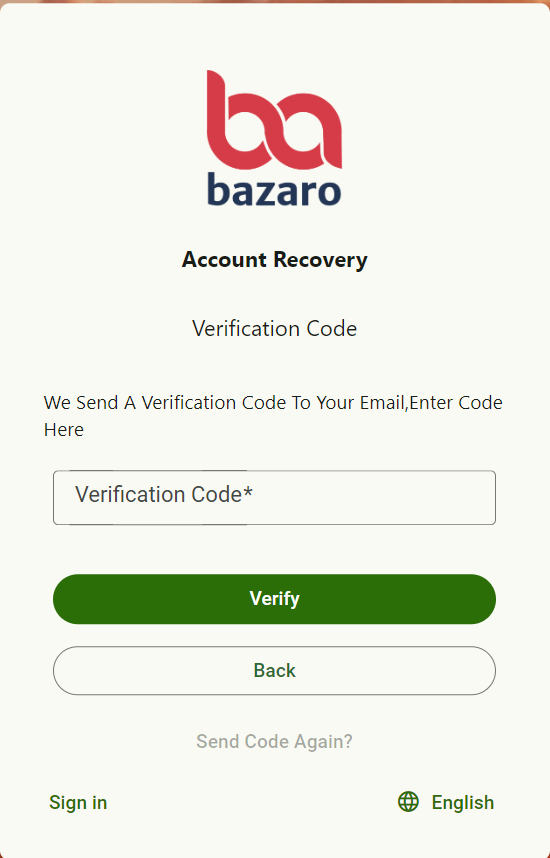
Step 3, You will receive an email with a verification code. Enter the code and click verify
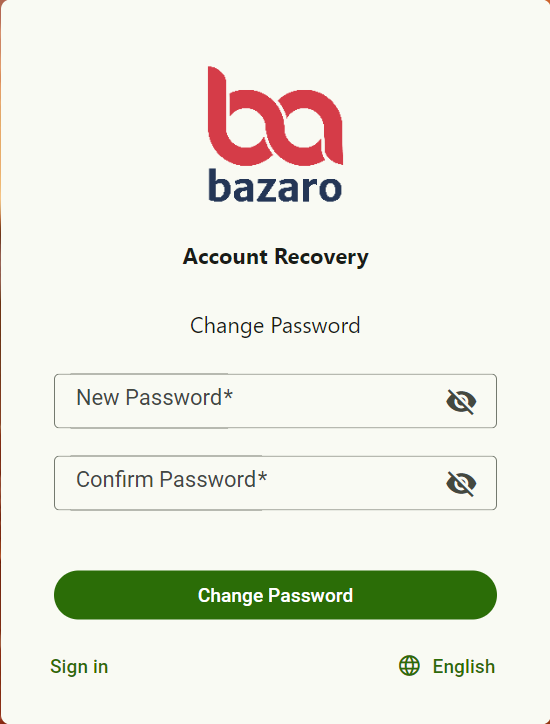
Step 4, Enter new password
2.When Logged in:
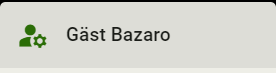
Steg 1, Press the following symbols

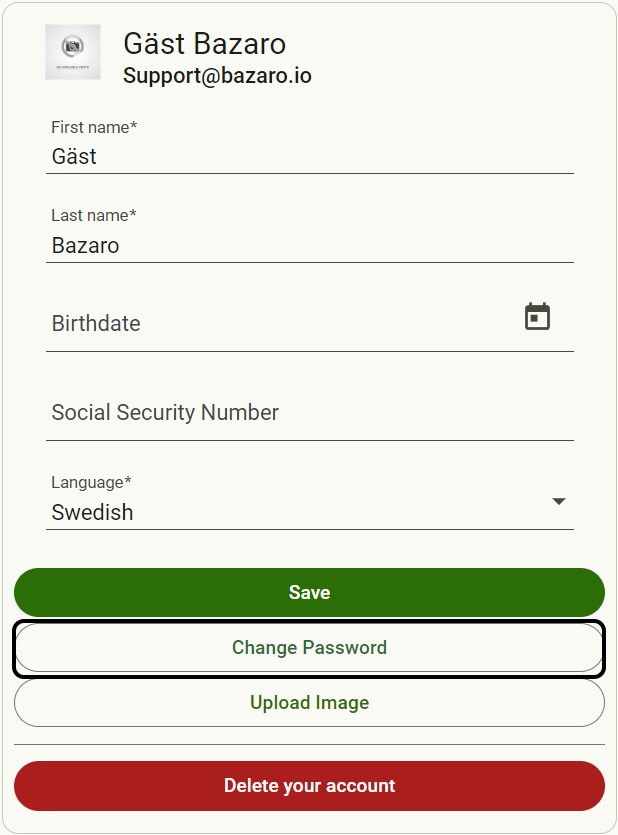
Step 2, Press change password
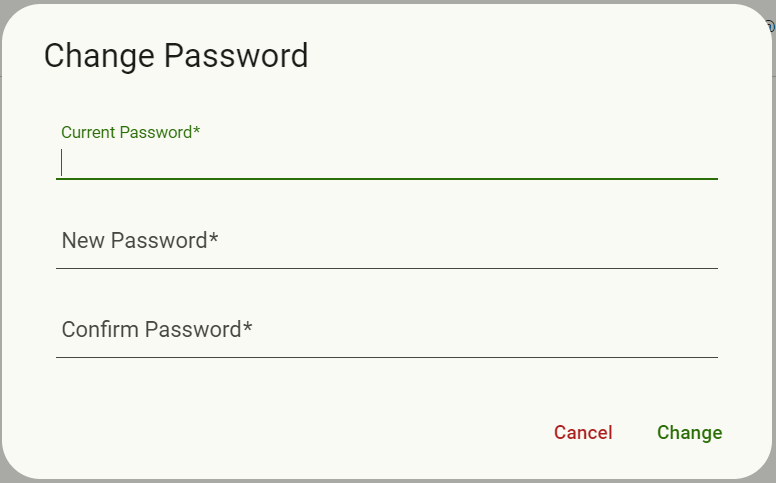
Step 3, Add current password and the password you want to change too
Was this article helpful?
That’s Great!
Thank you for your feedback
Sorry! We couldn't be helpful
Thank you for your feedback
Feedback sent
We appreciate your effort and will try to fix the article