1. New user needs to register
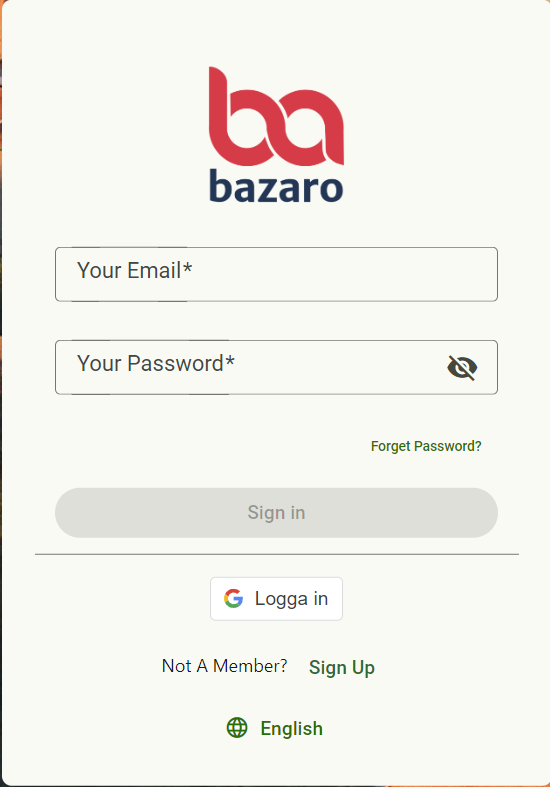
Go to app.bazaro.se/signup, fill in your information and press Sign up
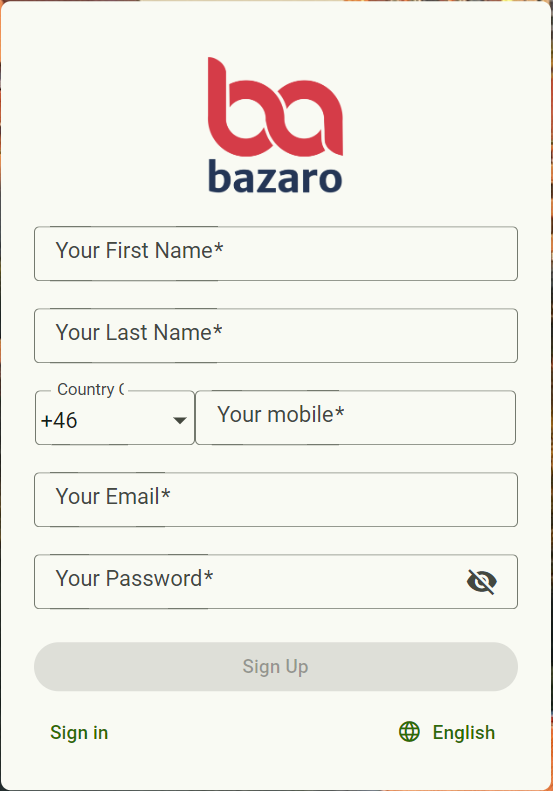
Once you have signed up you will receive a verification email. Press Confirm Account
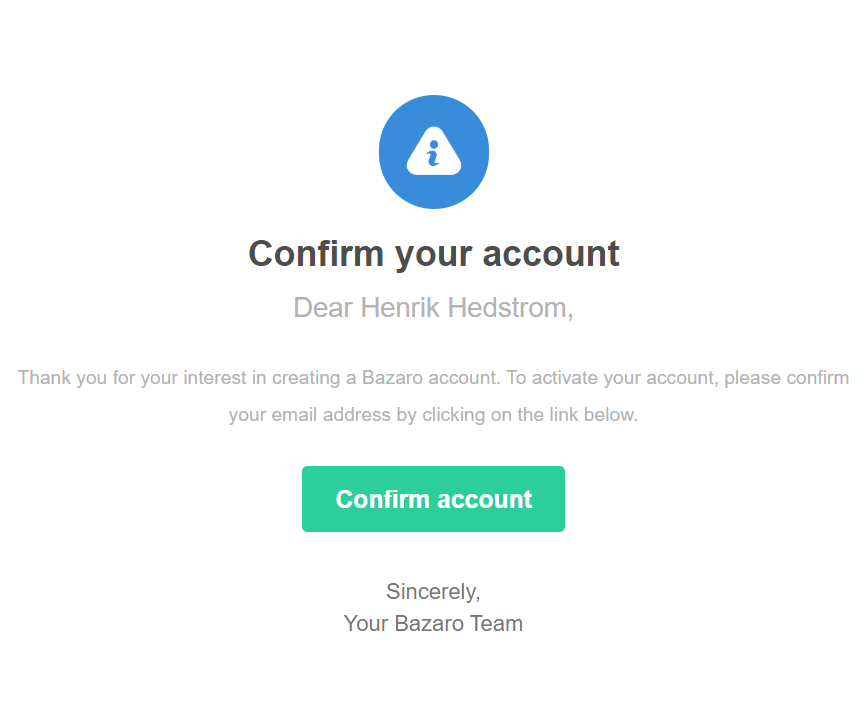
Now you have to ask your administrator to add you to the company that you should have access to and then you can login with email and password that you choose when you signed up.
2. Admin adds new user to company
Go to app.bazaro.se and navigate to Menu > Administration > User management > Click on + sign on top right ("Add user")
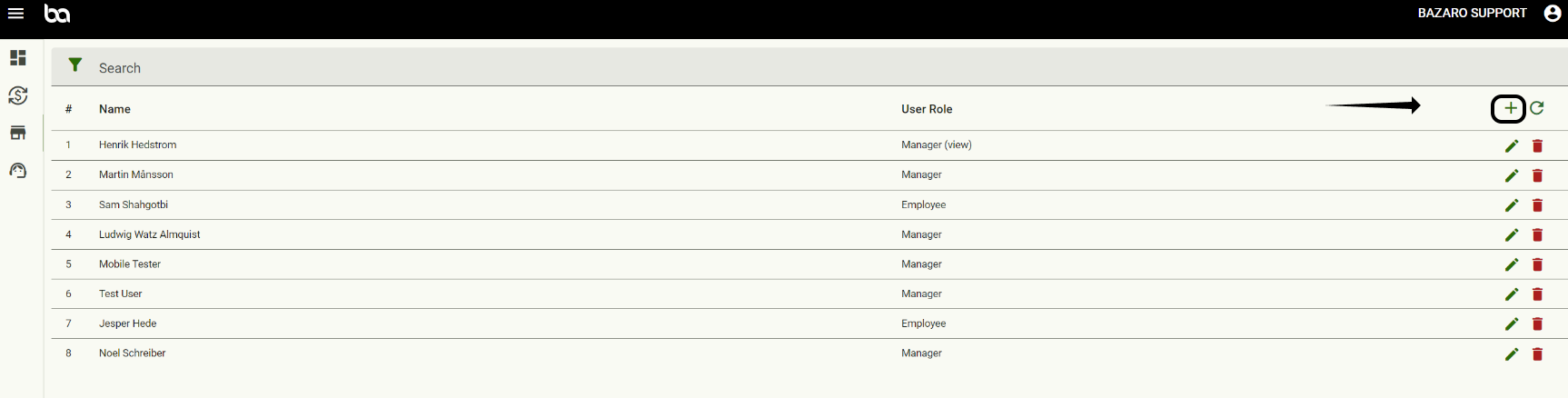
Choose the role for the new user. Read more about roles to understand what access each role have.
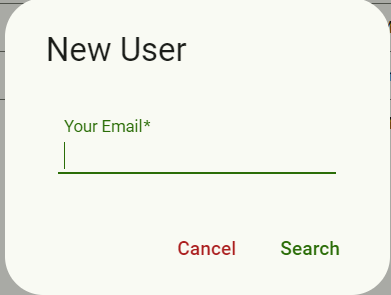
And now it is done! The new user can now go to app.bazaro.se and sign in with the password and username that he/she chose when registered.
Was this article helpful?
That’s Great!
Thank you for your feedback
Sorry! We couldn't be helpful
Thank you for your feedback
Feedback sent
We appreciate your effort and will try to fix the article