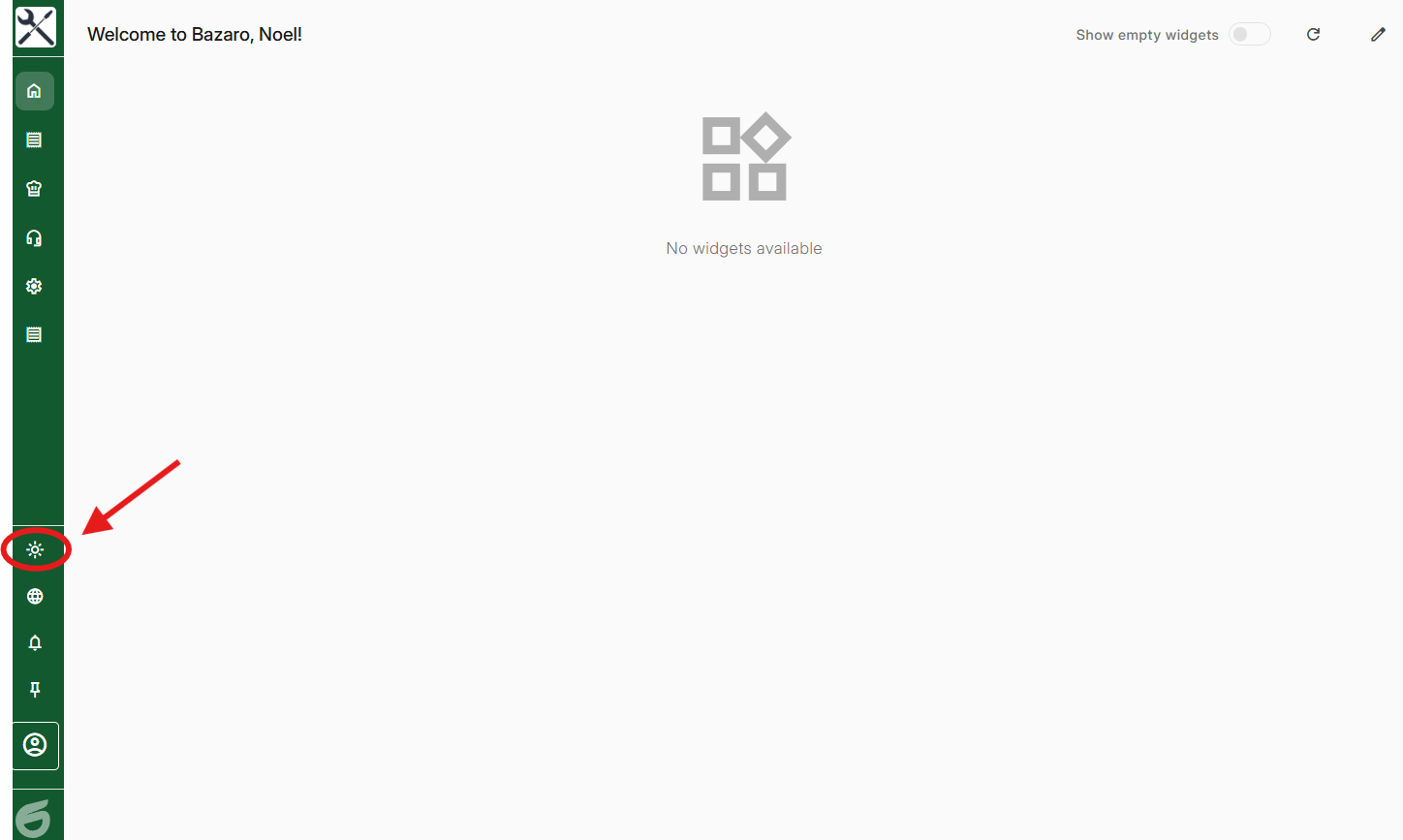
Step 1, Press on the sun in the bottom left corner
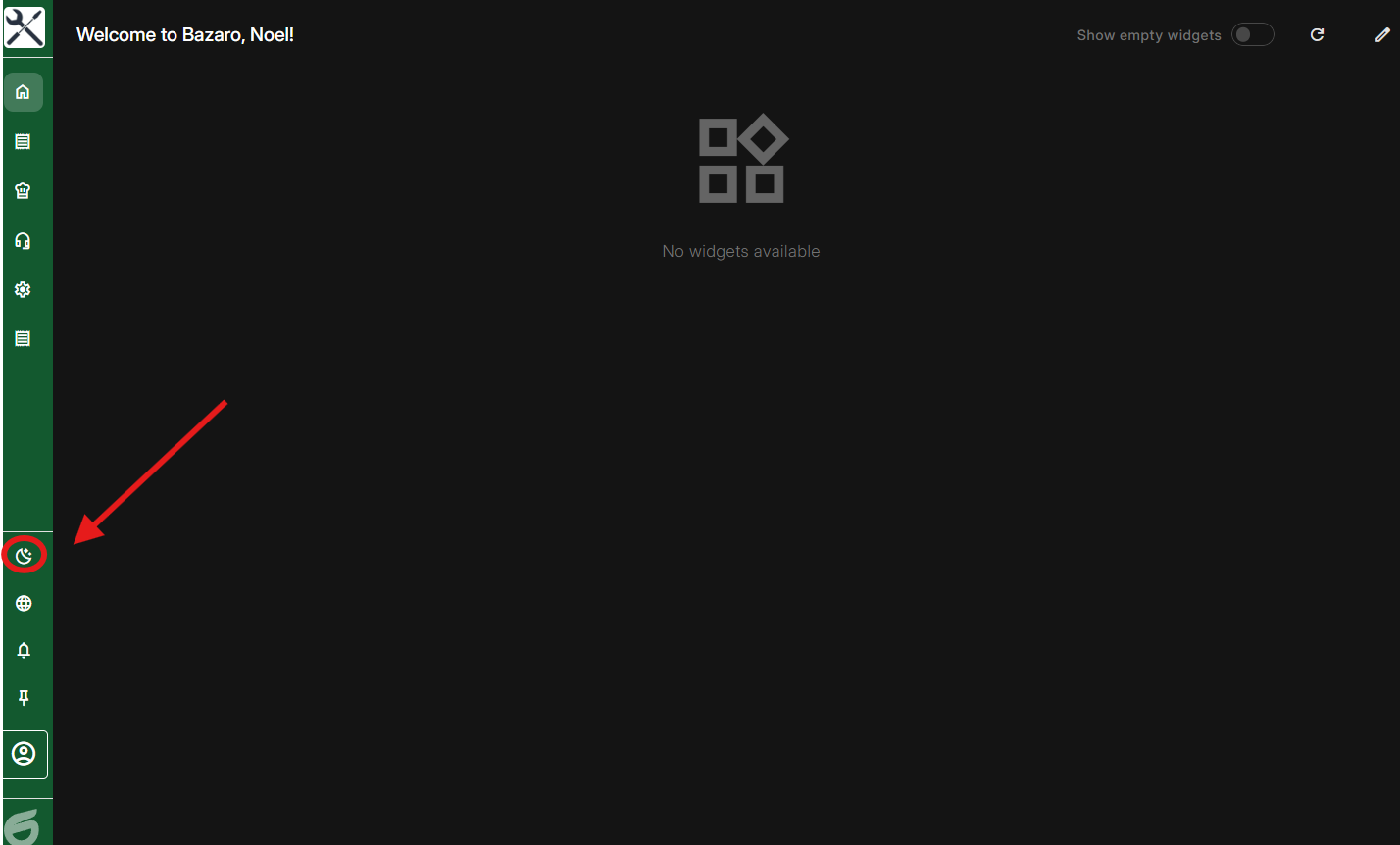
Step 2, To get bright theme again just press the same button
Was this article helpful?
That’s Great!
Thank you for your feedback
Sorry! We couldn't be helpful
Thank you for your feedback
Feedback sent
We appreciate your effort and will try to fix the article