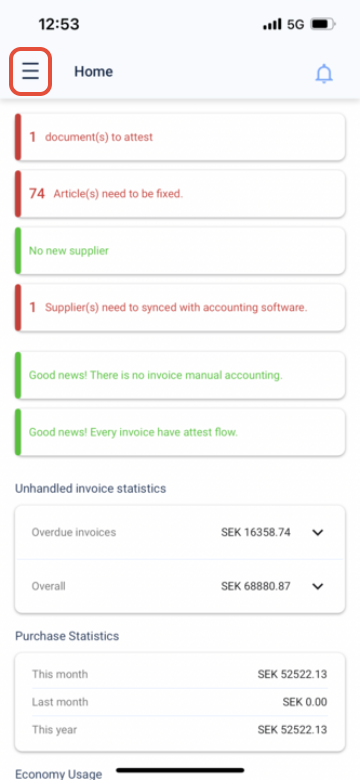
Step 1, Press the three lines in the left corner of the screen
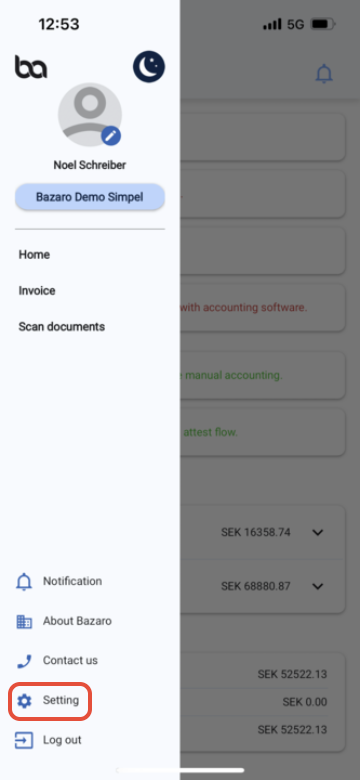
Step 2, Go to "Setting"
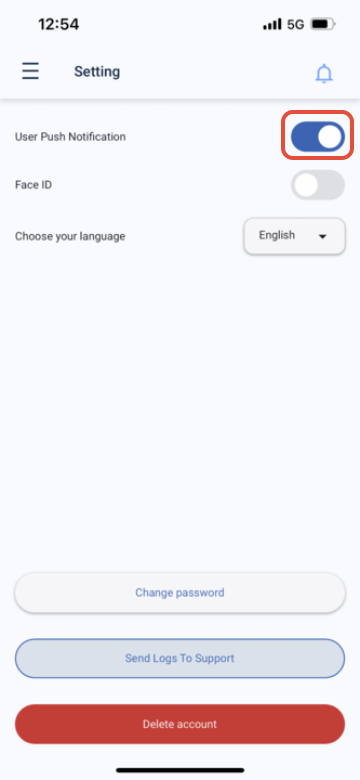
Step 3, Then activate user push notification. Also activate it in your phones settings for the Bazaro app
Was this article helpful?
That’s Great!
Thank you for your feedback
Sorry! We couldn't be helpful
Thank you for your feedback
Feedback sent
We appreciate your effort and will try to fix the article