Step 1, Go to https://www.vismaonline.com
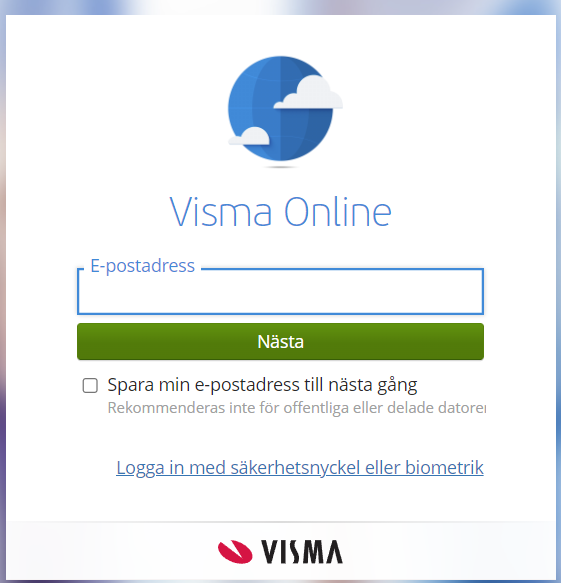
Step 2, Log in
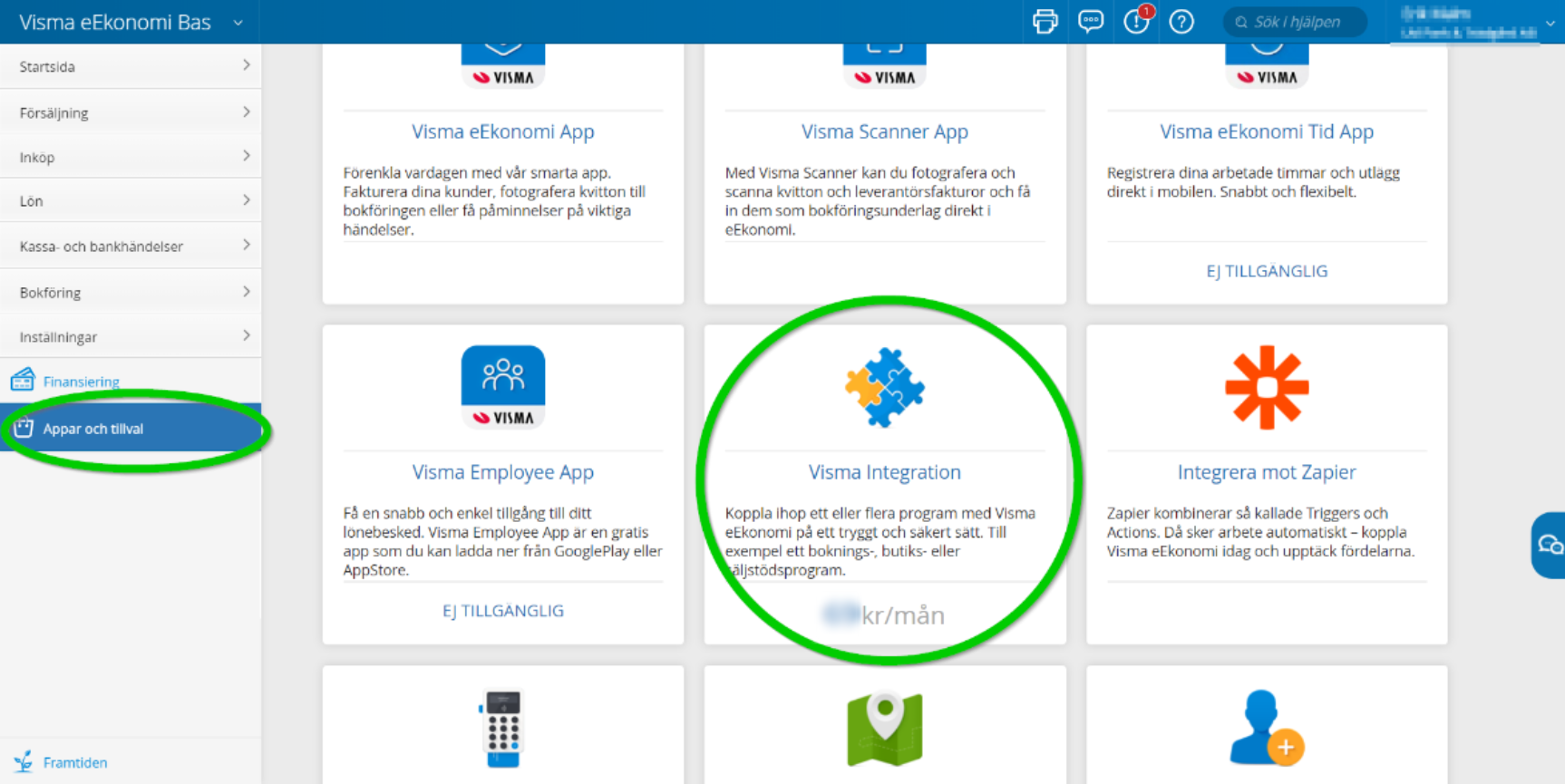
Step 3, Press ”Appar och Tillval” in the left menu
Step 4, Add Visma Integration
Was this article helpful?
That’s Great!
Thank you for your feedback
Sorry! We couldn't be helpful
Thank you for your feedback
Feedback sent
We appreciate your effort and will try to fix the article